
Choose a companion
A compatible radio paired with your phone is all you need to start messaging.
See companion radios →● Mena & the Ouachita Mountains · Arkansas
Ouachita Link is a community-built radio messaging network for the Ouachita Mountains. With a compatible radio, neighbors can exchange short messages without relying on cellular service or internet.
A neighbor-built network, growing across the Ouachitas.
A local way to keep in touch
MeshCore sends short messages by radio from one person to another. Your companion radio pairs with your phone, while community repeaters can help a message cross a ridge or reach the next valley.
The network is growing, so what reaches you depends on where you are and which radios are within range. Join in, try it with a neighbor, and help us connect more of the Ouachitas.
For everyday and backup communication. Ouachita Link is not an emergency service. Call 911 for emergencies.
Three steps to join
You do not need to understand radio technology to get started. Choose a personal companion, follow the setup guide, then try a message with someone nearby.
A compatible radio paired with your phone is all you need to start messaging.
See companion radios →Follow the setup steps and tune your radio to the local network.
Set up your radio →A well-placed repeater can help messages travel between valleys and communities.
Talk about hosting →Two kinds of radio
A companion is the personal radio you connect to your phone. A repeater is a separate, usually fixed radio that helps messages travel farther. Most people should begin with a companion.
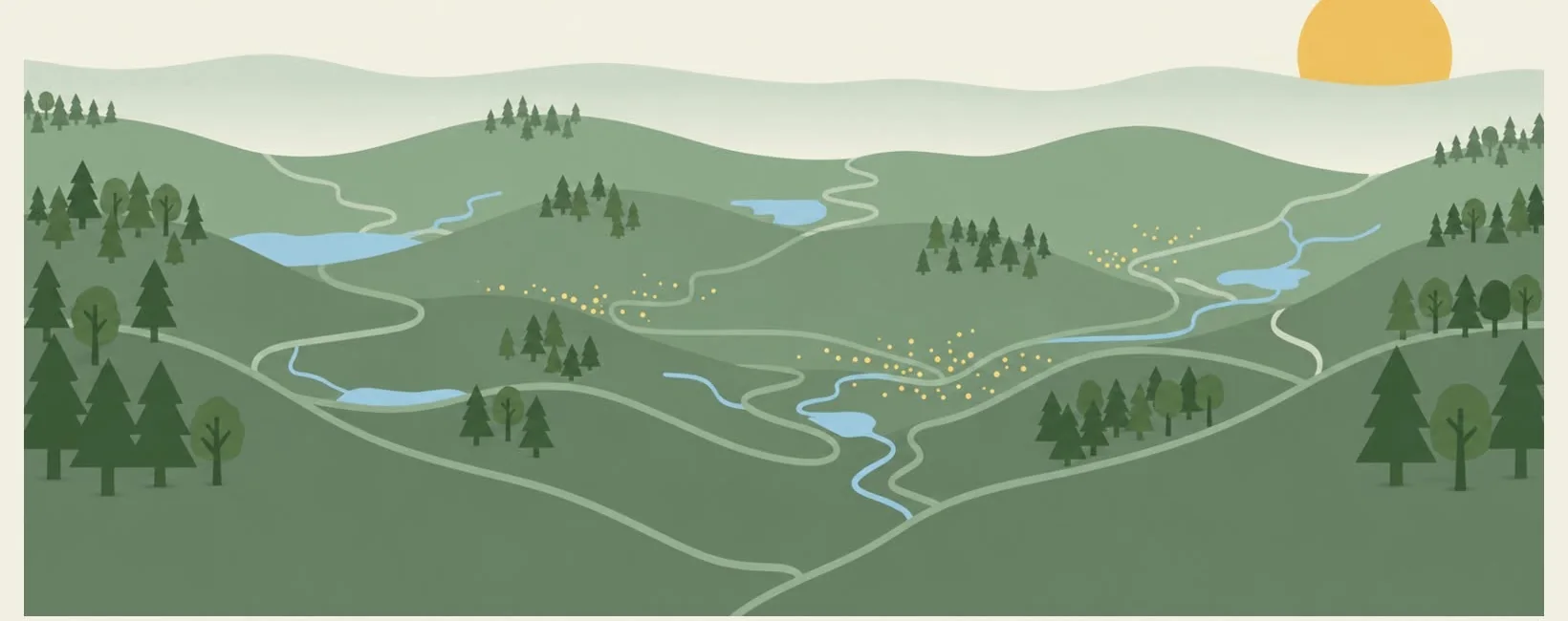
Choose a companion radio →Illustrative only. Actual connections depend on location and active radios.
Mailbox holds an individually addressed message while its recipient is away, so they can retrieve it when they return to the radio network.
Made by neighbors
New to radios? Join the conversation and ask questions. You do not need a technical background to take part.